
DOLEN TEIFI
Community Transport
About the Language and Accessibility Toolbar
We are using a Language and Accessibility Toolbar developed by Recite Me.
You can access the toolbar by clicking on the Language and & Accessibility button.
On a desktop / laptop this is located on the top right hand side of the screen.
On a mobile device this is at the top, middle of the page.


The Recite Me toolbar features:
Languages: Translation of the website to over 130 languages.

Text to Speech: Reads on-screen content aloud in the chosen language
You can control the audio: back to previous paragph, play, and forward to next paragraph.

Text and Styling Tools to improve readability
Decrease Text Size.
Change the Font on the page.
Focus Text Mode. This will highlight half of a work in bold to impove.
Increase Text Size.
Colour options. This will change the background colour, and the text colour.


Recite AI
- Page Summariser: Automatically generates a simplified summary of the main content on your web page, presenting key points in a concise, easy to understand format.
- Simplify Content: This feature automatically detects and simplifies content that exceeds 150 characters, rewriting it into clearer, more concise language. The goal is to reduce cognitive load and enhance comprehension, particularly for complex web content.
A full version of the toolbar features can be found on the Recite Me website https://knowledge.reciteme.com/knowledge/feature-breakdown
You can download the Recite Me Assistive Toolbar User Guide here.
CASE STUDIES
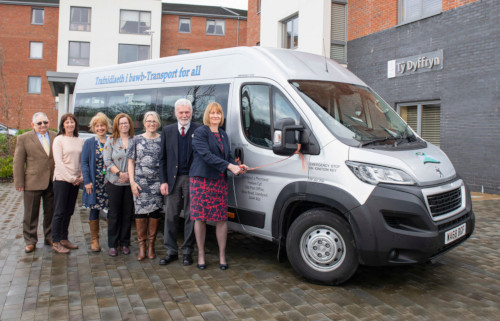
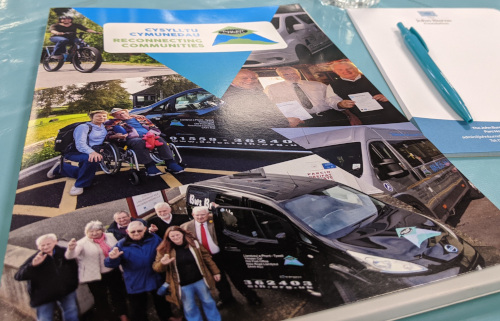
Over the years, Dolen Teifi Community Transport has worked with multiple partners on some amazing projects. Please take some time to read about our Community Transport projects.
We are grateful to all our Funders and Supporters



Dolen Teifi Community Transport
Dolen Teifi Cyf
Yr Hen Swyddfa Post, Heol Newydd,
Llandysul, Ceredigion, SA44 4QJ
General Enquiries: info@dolenteifi.org.uk
Telephone: 01559 362403
Bookings Email: bookings@dolenteifi.org.uk
Registered in Wales Company No 5089521
VAT No 484 798 029
